
Thanks to rapid advances in AI chatbots like ChatGPT, Gemini, and Claude, “vibe coding” is very much a possibility for anyone: Just use natural language to explain what you want a program to do, and the AI will put it together for you.
This has led non-programmers to quickly create their own sites and apps, and you’ll find a multitude of examples online. Vibe coding has extended to hardware too—whether it’s people hacking into their 1994 Cherokee Jeep or repurposing an Amazon Kindle.
Vibe-coding gadgets can lead to some impressive demonstrations of AI’s current capabilities, but is it wise to try it at home on the devices you use every day? Probably not, and we’ll explain why here.
What is vibe coding, anyway?
You can now create mini apps and games very easily. David Nield
If you’ve never used an AI app to vibe code—or used an AI app at all—then you might be wondering what all the talk about vibe coding actually means. It’s the widely used, informal term for prompting an AI chatbot to create a program: Maybe you want a phone app to track your exercise, for example, or a simple game you can play in your browser.
As long as your ambitions aren’t too grand—you’re not going to get GTA VI out of this anytime soon—your AI engine of choice will produce a slick, usable, custom-made app for you within a few minutes. If there are any bugs or issues (and there often are), then you can use follow-up prompts to get rid of them.
While the end results might need a bit of finessing and don’t match up to what a team of professional software developers can do, it’s incredible to think that AI now enables anyone to write apps of their own, no manual coding required. Need a registration website for your sports club or an app to track trains at your local station? Just ask for it.
That’s not to say there aren’t downsides to vibe coding, though, which we’ll get to next. AI code isn’t always the most reliable or efficient, and you need to be aware of its limitations—and put safeguards in place to make sure there’s no danger of vibe-coded apps causing issues for other hardware and software.
Why you should avoid vibe coding your gadgets
You probably don’t want to be bricking your smart speaker. Google
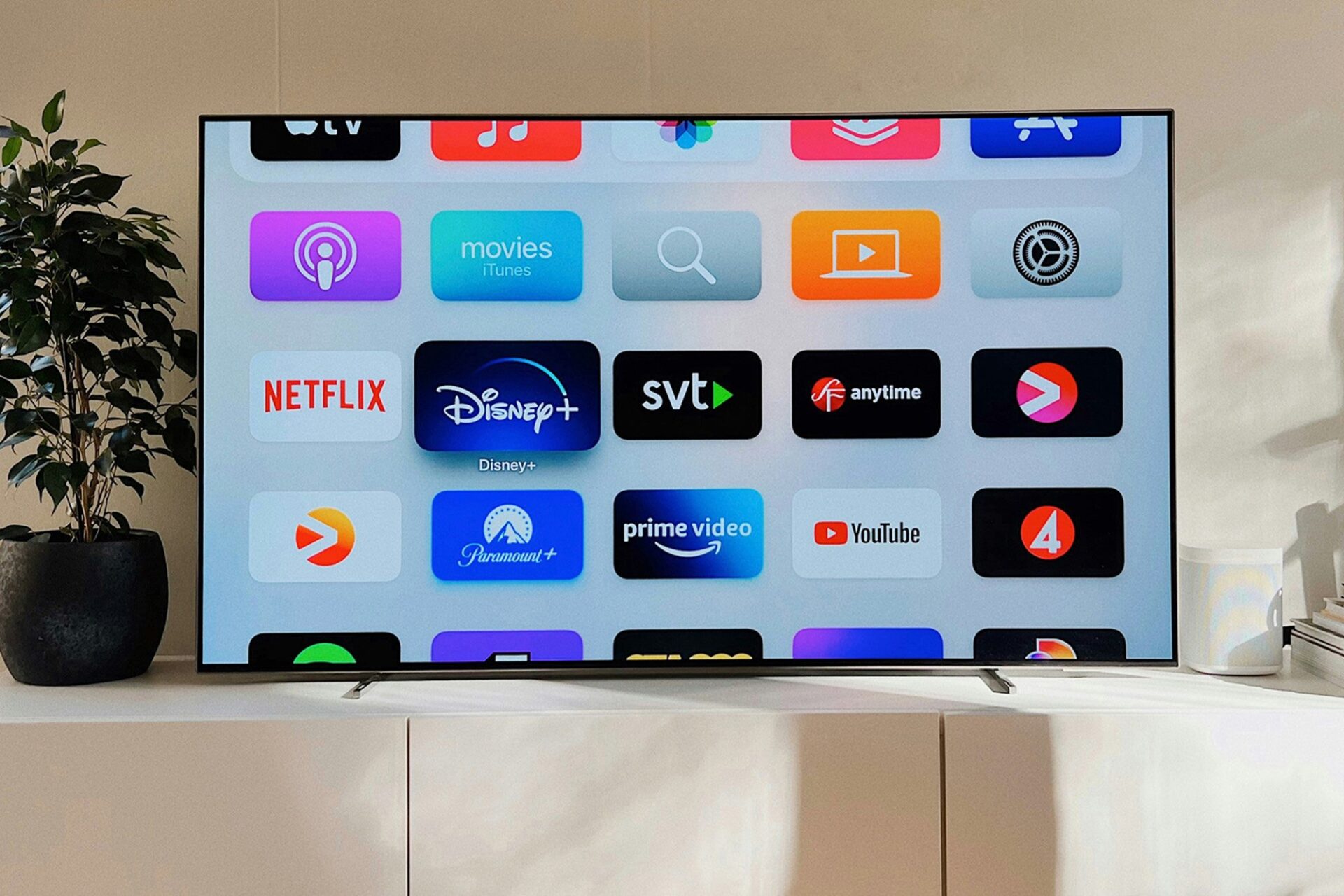
As TechCrunch reports, television sets are common targets for some vibe-coded tinkering. Users are using code produced by AI apps to simplify the app launchers, take out sponsored content and advertising, and turn off some of the aggressive tracking features that come with modern-day TVs, for example.
Here’s the problem: While the AI app developers don’t often mention it, AI code often comes with bugs and unintended consequences attached, and if you don’t understand what you’re coding, then you can’t fix it. That’s not so much of an issue if you’re trying to get a custom soccer score tracker running in your browser, but if you’re suddenly bricking your main TV, then that is a problem.
The operating systems on TVs—as well as tablets, laptops, speakers, fridges, and other gadgets—can be complex, and AIs will often guess at what the right approach is if they don’t know for sure. You risk breaking key functionality, creating new bugs while trying to fix existing ones, and leaving security vulnerabilities open that hackers can target.
Of course it’s easy to see the appeal of an ad-free TV that runs faster than before, but is it worth opening up your television set to malware? Or not being able to use the Netflix app for reasons you can’t fathom? Or one day finding that it’s stuck in an endless loop between shutting down and powering up? These are the risks of vibe coding.
What to do instead
Projectivy Launcher offers plenty of options on Google TV. Projectivy Launcher
Different categories of devices work in different ways, but you’ll often find that there are more reliable ways of customizing your hardware than relying on something you’ve vibe-coded yourself. When it comes to TVs, for example, there are often alternative launchers available, such as Projectivy Launcher for Google TV models, which is ad-free and offers a ton of customization options.
For routers, there’s something like OpenWrt, which is built and maintained by a large enthusiast community. It lets you do all sorts of things with compatible routers, including blocking ads and trackers, customizing which devices can access the network and when, monitoring bandwidth, and integrating a VPN at the router level.
If you’re looking to do more with your smart home devices, then Home Assistant is definitely worth a look. The popular alternative smart home system management software gives you much more control over your devices and what you can do with them than the comparable apps offered by Amazon, Google, and Apple.
You’re still putting your faith in third-party code that you haven’t personally written—but these projects are managed by capable software developers and backed by big user communities that monitor issues like security and compatibility. When it comes to keeping your gadgets usable, they’re the safer bet.
Disclosure: Ziff Davis, Popular Science’s parent company, filed a lawsuit against OpenAI in April 2025, alleging it infringed Ziff Davis copyrights in training and operating its AI systems.
The post ‘Vibe coding’ is risky: Here’s why and what to do about it appeared first on Popular Science.
‘Vibe coding’ is risky: Here’s why and what to do about it
previous post
