
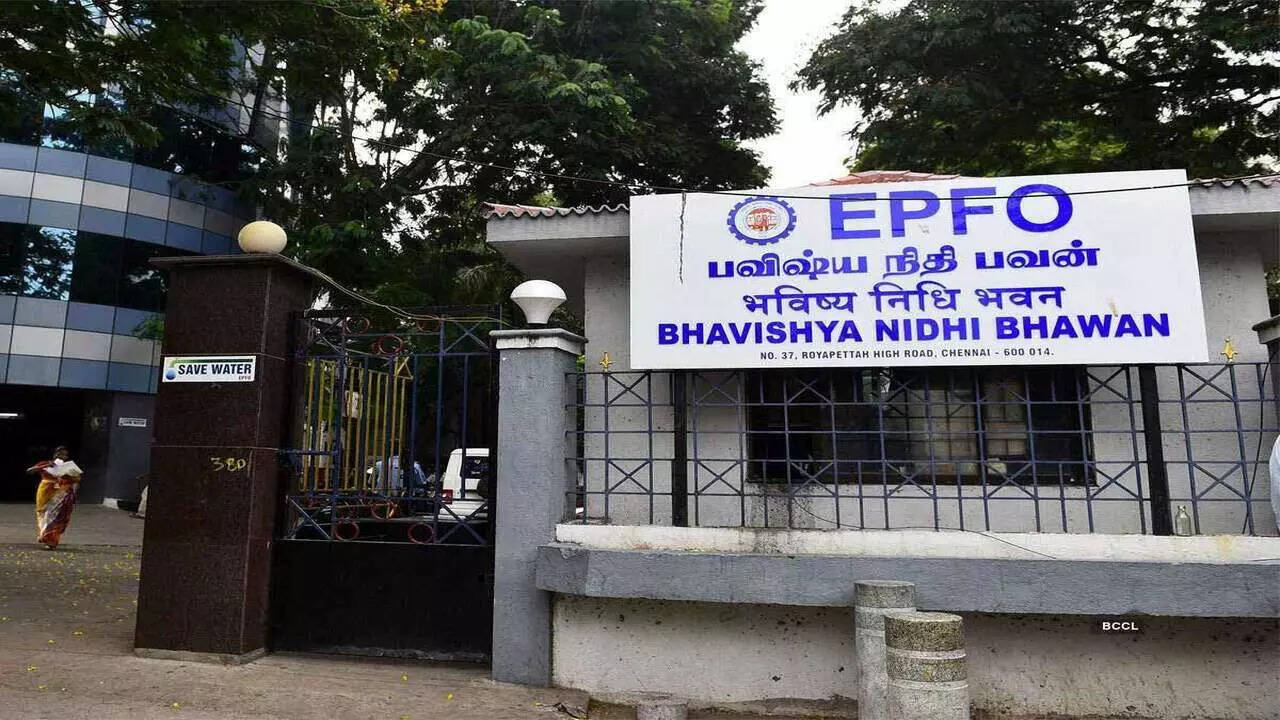
The Employees’ Provident Fund (EPF) remains one of India’s most widely used retirement savings instruments, helping salaried employees build a long-term financial corpus through regular contributions. Employees whose basic salary and dearness allowance (DA) are up to Rs 15,000 are eligible for EPF, while those earning above the threshold can voluntarily contribute more through the Voluntary Provident Fund (VPF).
For FY26, the Centre approved an EPF interest rate of 8.25 per cent, as recommended by the Employees’ Provident Fund Organisation (EPFO). The same rate applies to VPF contributions, and interest credits were completed on July 15, according to PTI. This was the third straight year in which EPF subscribers received an 8.25 per cent return.
A major change, however, concerns the Universal Account Number (UAN). EPFO has shifted the process for activating an existing UAN and generating a new one from its portal to the government’s UMANG app. Aadhaar-based Face Authentication (FAT) is mandatory for these services.
UAN Activation Now Requires UMANG And Face Authentication
EPFO’s updated process means members looking to activate their UAN must use the UMANG application. The change comes after the retirement fund body carried out a large-scale database consolidation and software upgrade aimed at improving the reliability and speed of its digital services.
To activate a UAN, members should first download the UMANG app from the Google Play Store or Apple App Store. New users need to register using their Aadhaar-linked mobile number and create a four-digit M-PIN.
After logging in, search for “EPFO” and select “UAN Activation” under “UAN Services Through Face Auth”. Enter the UAN, Aadhaar number and Aadhaar-linked mobile number, followed by the OTP received on the registered number.
The application may then ask users to install the “Aadhaar Face RD app”. Once installed, users will be directed to a face-scan screen. The facial authentication process is completed when the app successfully captures the user’s face and displays a green circle.
Members should then check the personal information shown on screen, including their name and date of birth, before submitting the request. Once the activation is completed, a temporary password will be sent through SMS.
To confirm the status, users can return to “UAN Services Through Face Auth” and select “UAN allotment and activation”. After entering the UAN, Aadhaar number and mobile number and providing consent, the user can request another OTP. A successful activation will display the message: “The UAN entered is already activated”.
How To Generate A New UAN
Members who do not already have a UAN can also generate one through the available UAN services. The process involves visiting the UAN service page and entering the mobile number linked with Aadhaar.
After OTP verification, the applicant can choose an identification method from Member ID, PAN card or Aadhaar Card. The relevant details and captcha must then be entered before submitting the request.
Another OTP verification is required to complete the process. Once the details are successfully verified, the newly generated UAN is sent to the member via SMS.
Forgot Your UAN? Here’s How To Retrieve It
EPFO members who cannot remember their UAN can retrieve the number using either the official member portal or UMANG.
On the EPFO portal, users need to open the “Know Your UAN” section and provide their registered mobile number. They can then select an identification document such as Aadhaar, PAN or Member ID and enter the requested information along with the captcha.
After OTP verification, the system will retrieve the UAN. A confirmation reading “UAN Retrieved Successfully” indicates that the process has been completed.
If more than one UAN is displayed, it could indicate that duplicate UANs have been created. EPFO rules do not permit members to maintain multiple UANs.
UMANG users can retrieve their number by opening the app, searching for “EPFO” and going to Employee Centric Services. They need to select “Know Your UAN”, enter their registered mobile number and captcha, and complete OTP authentication.
The user can then search using Aadhaar, PAN or Member ID. The name and date of birth entered should match Aadhaar records. Selecting “Show My UAN” will display the number and also send it to the registered mobile number through SMS.
